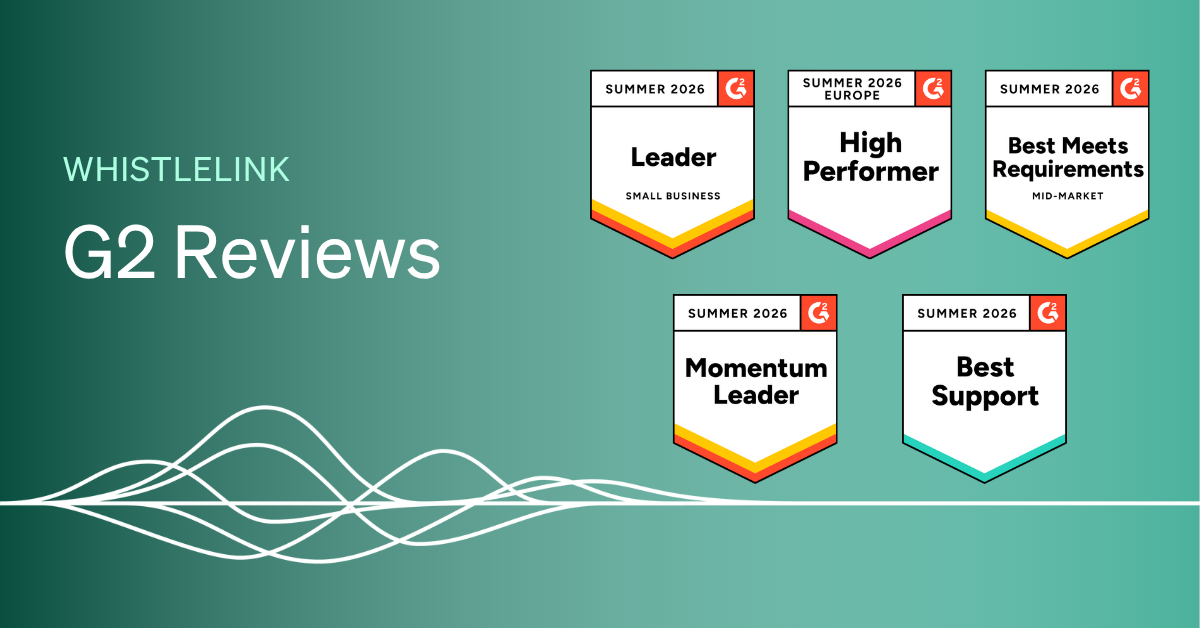
If you use Whistlelink to manage your organisation’s whistleblowing channel, we’d love to hear about your experience. Reviews on G2 help other compliance officers and HR leaders decide whether Whistlelink is right for them, and your feedback genuinely shapes how we improve the platform.
We know writing a review can feel like just another task on a busy to-do list, so we’ve kept this guide short and practical. It should take about 5–10 minutes from start to finish.
Head to Whistlelink’s G2 review page and click “Write a Review.” If you’re already logged into G2, you’ll land straight in the review flow – skip to Step 3.
You can log in via:
First time on G2? You’ll receive a verification email to activate your account.
G2 now gives you three ways to share your feedback, so pick whichever suits you best:
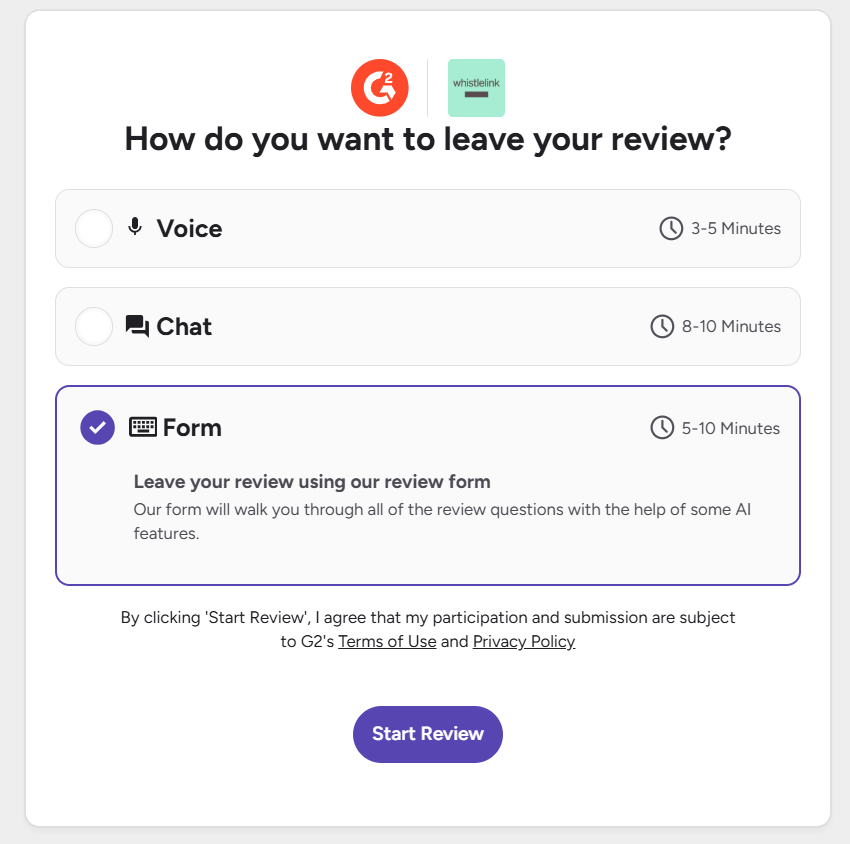
There’s no wrong choice here, go with whatever’s quickest and most comfortable for you.
Whichever format you choose, you’ll be asked for your overall rating, what you like, what you dislike, and the problem Whistlelink solves for your organisation. A few tips:
G2 needs to confirm you’re an actual Whistlelink user before publishing your review. You’ll be asked to either:
Screenshots are seen only by G2’s moderation team and are never published. Avoid heavily editing or cropping the image beyond blurring sensitive case details, as this can lead to rejection.
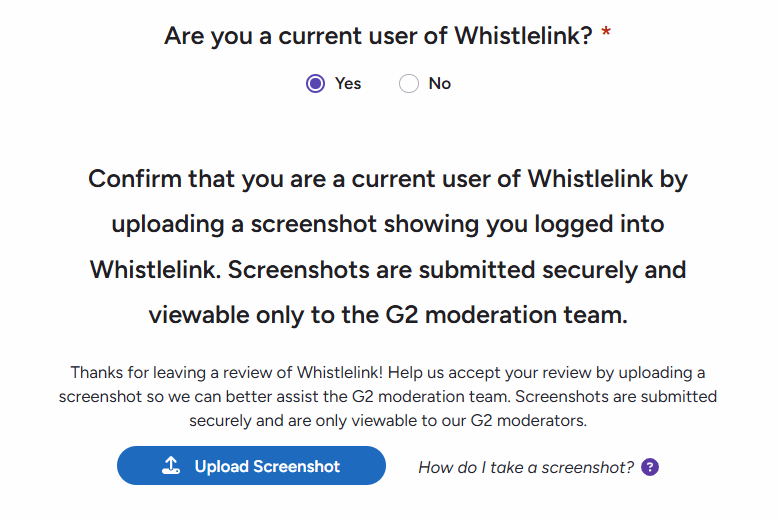
Quick screenshot shortcuts:
Happy with your answers? Click “Submit My Review.” That’s it – done!
G2 typically reviews submissions within a few business days, and will email you directly if anything needs attention. Once approved, your review goes live on Whistlelink’s G2 profile. You can edit your review any time via My Reviews on your G2 account.
Do I need a G2 account to leave a review?
Yes, this confirms you’re not an employee, partner, or competitor of the product you’re reviewing. You can still choose to post anonymously.
Can I stay anonymous?
Yes. During the review, you’ll be asked whether to show your name and title publicly. If you decline, your review appears without identifying details.
Do I have to answer every question?
No, many are optional. The sections on overall satisfaction and the problem Whistlelink solves for you are the most valuable questions.
How long does approval take?
Usually 1–3 business days.
Thank you for taking the time to share your experience! It genuinely helps other organisations find the right whistleblowing solution, and helps us keep improving Whistlelink for teams like yours.